Configure MCP
This article describes how to install and configure the Zadig MCP service.
# Install and Configure
Tip
- MCP Server requires Zadig v4.2.0 or later.
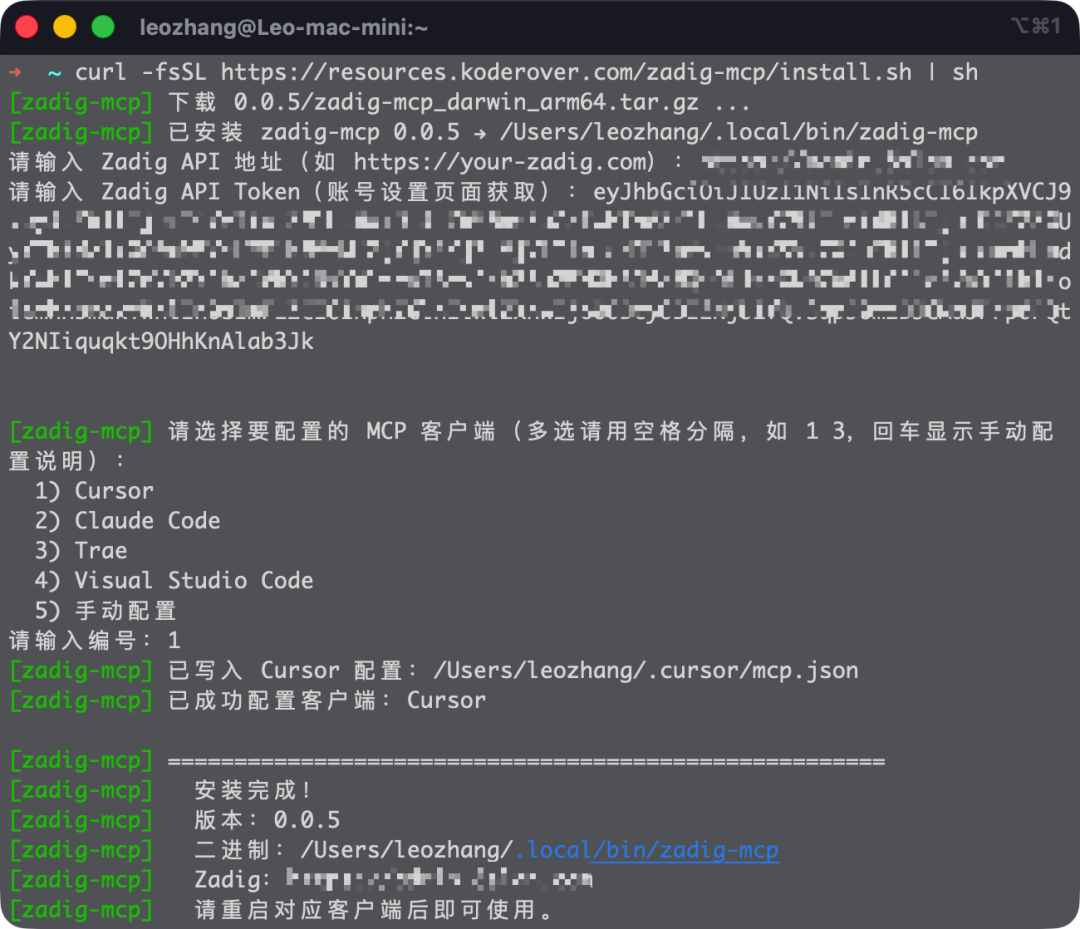
- During installation, enter your Zadig access URL and API Token (you can obtain the API Token from Account Settings in the Zadig platform).
- Supported clients for automatic configuration: Cursor, Claude Code, Trae, and VS Code. Other clients that support the MCP standard can be configured manually.
# Linux / macOS / Windows (WSL)
curl -fsSL https://resources.koderover.com/zadig-mcp/install.sh | sh

# Windows (PowerShell)
irm https://resources.koderover.com/zadig-mcp/install.ps1 | iex
1
2
3
4
5
2
3
4
5
# Upgrade or Uninstall
# Upgrade to the latest version
curl -fsSL https://resources.koderover.com/zadig-mcp/install.sh | sh -s -- --update

# Check for a new version
curl -fsSL https://resources.koderover.com/zadig-mcp/install.sh | sh -s -- --check

# Uninstall
curl -fsSL https://resources.koderover.com/zadig-mcp/install.sh | sh -s -- --uninstall
1
2
3
4
5
6
7
8
2
3
4
5
6
7
8
# Verify Installation
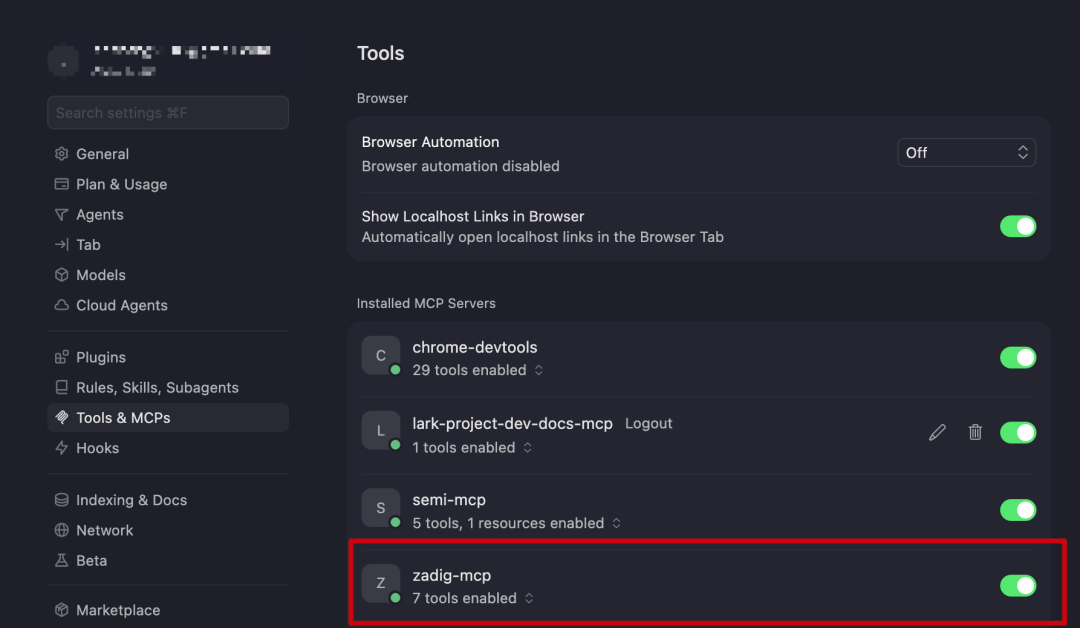
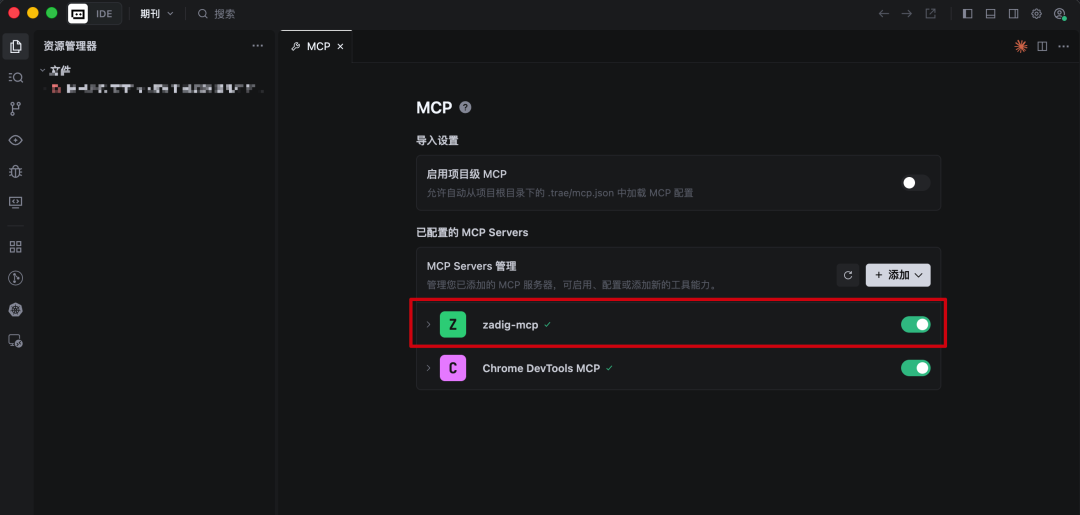
In your tool's MCP Servers settings, confirm that the installation succeeded.